 Peek
PeekEverything Peek does, in one place.
Capture, read, mask, describe. Each part below says what it does, what macOS permission it needs and whether it's on the Free plan or Pro.
Free on every planPro free for 14 days, then $39 once
Capture
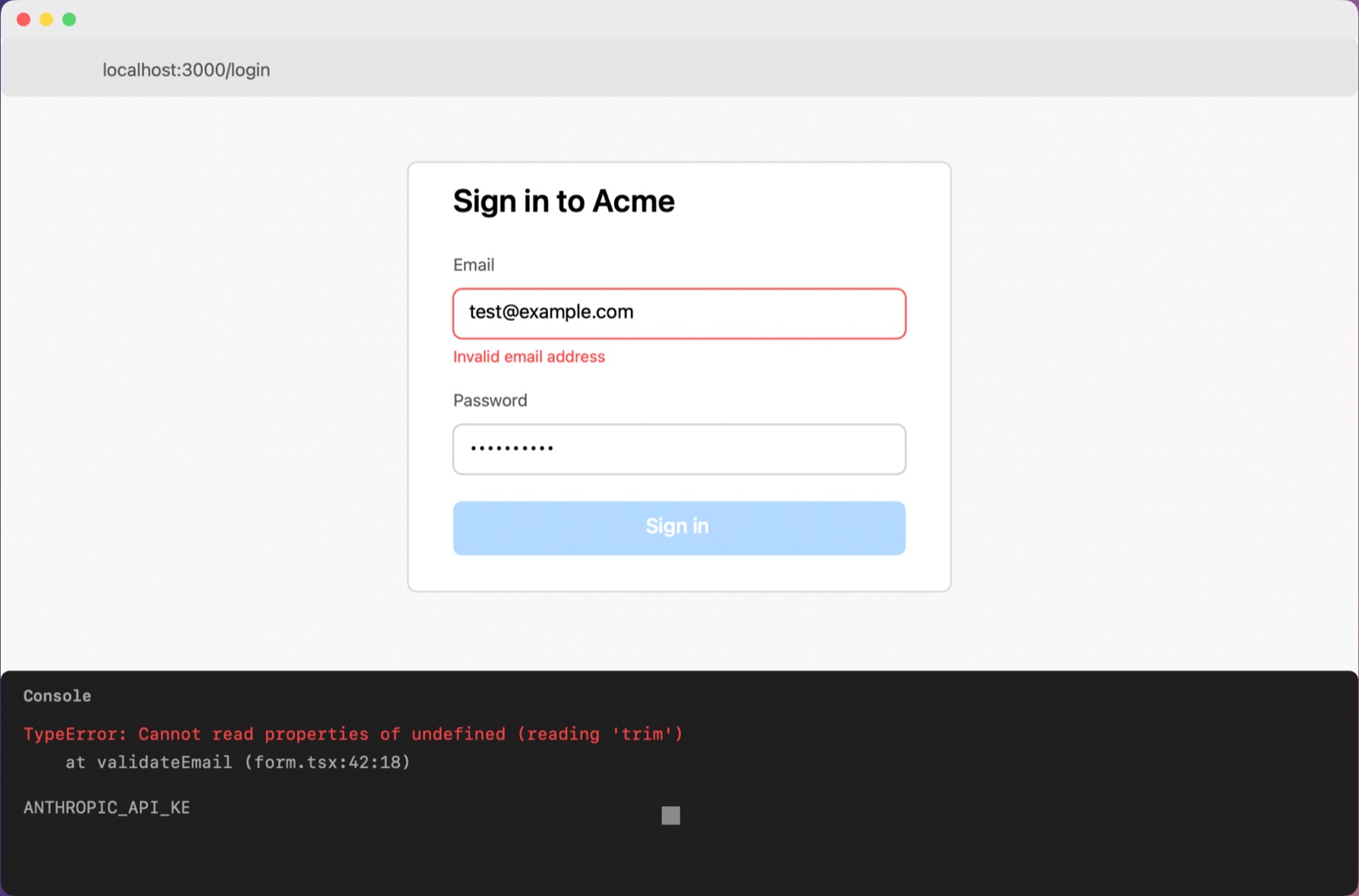
FreePress ⌃⌘P. The screen freezes, then you choose what to capture. Peek copies the description, ready to paste.
| To do this | Press |
|---|---|
| Capture an area | ⌃⌘P, then drag |
| Capture a window | ⌃⌘P, then Space, then click the window |
| Capture the whole screen | ⌃⌘P, then Return |
| Cancel | Esc |
| Copy the last capture's image, secrets blurred | ⌃⌥⌘P |
| Change the format for this capture | Right-click the mascot bubble |
| Edit before pasting | Click the mascot bubble |
Needs Screen Recording permission. The one-minute setup checks it live.
How a capture works
- 01 Freeze
The screen is frozen the moment you press the shortcut, then you select.
- 02 Read
Text is read on your Mac with Apple's Vision framework.
- 03 Mask
Secrets are masked in the text and blurred in the image.
- 04 Describe
Claude Haiku 5.5, or Gemini 2.5 Flash-Lite with a Gemini key, writes the description.
Peek works out where you'll paste from the AI tool you used most recently: a chat app or AI tab in a browser, an AI editor, or a terminal agent such as Claude Code, with its project and git branch.
Four formats
FreeOne capture, written four ways. Peek picks one for you; right-click the bubble to pick another. The screenshot comes along too, with secrets already blurred.
| Format | For | What it looks like |
|---|---|---|
| AI chat | ChatGPT, Claude, Gemini | Plain, readable prose with a question to start from |
| AI editor | Cursor | Markdown, with the exact error text in code spans |
| Terminal agent | Claude Code, Codex | Compact text, plus the project and git branch |
| Anywhere | Any other app | A general description |
Secrets and privacy
FreeAPI keys, tokens, passwords, card numbers and emails are masked in the text and blurred in the image, before any AI sees them. Secret removal is never a Pro feature.
Your screen, its text and your voice go only to the AI you chose. Nothing about your captures is ever sent to Peek's developer.
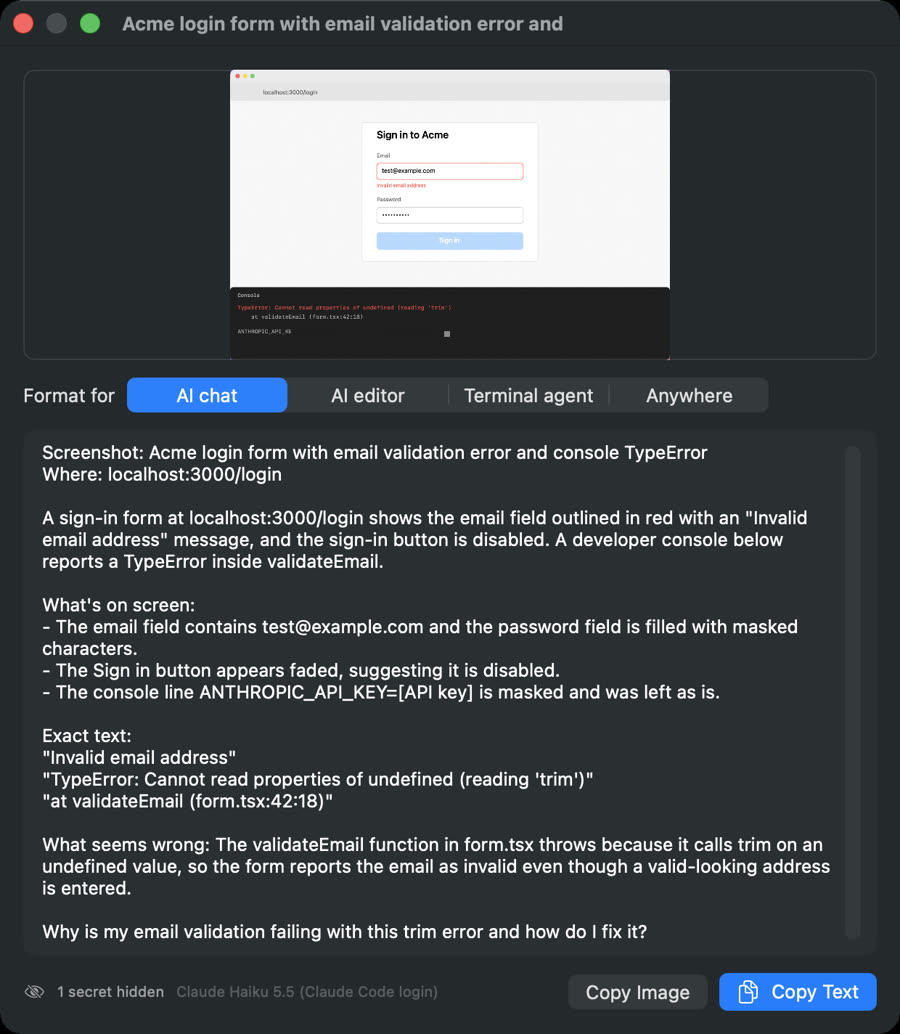
Edit before you paste
FreeClick the mascot bubble to see the capture, switch the format and fix any wording. Peek says how many secrets it hid. Recent captures stay ready to copy again, from the menu or with peek last.
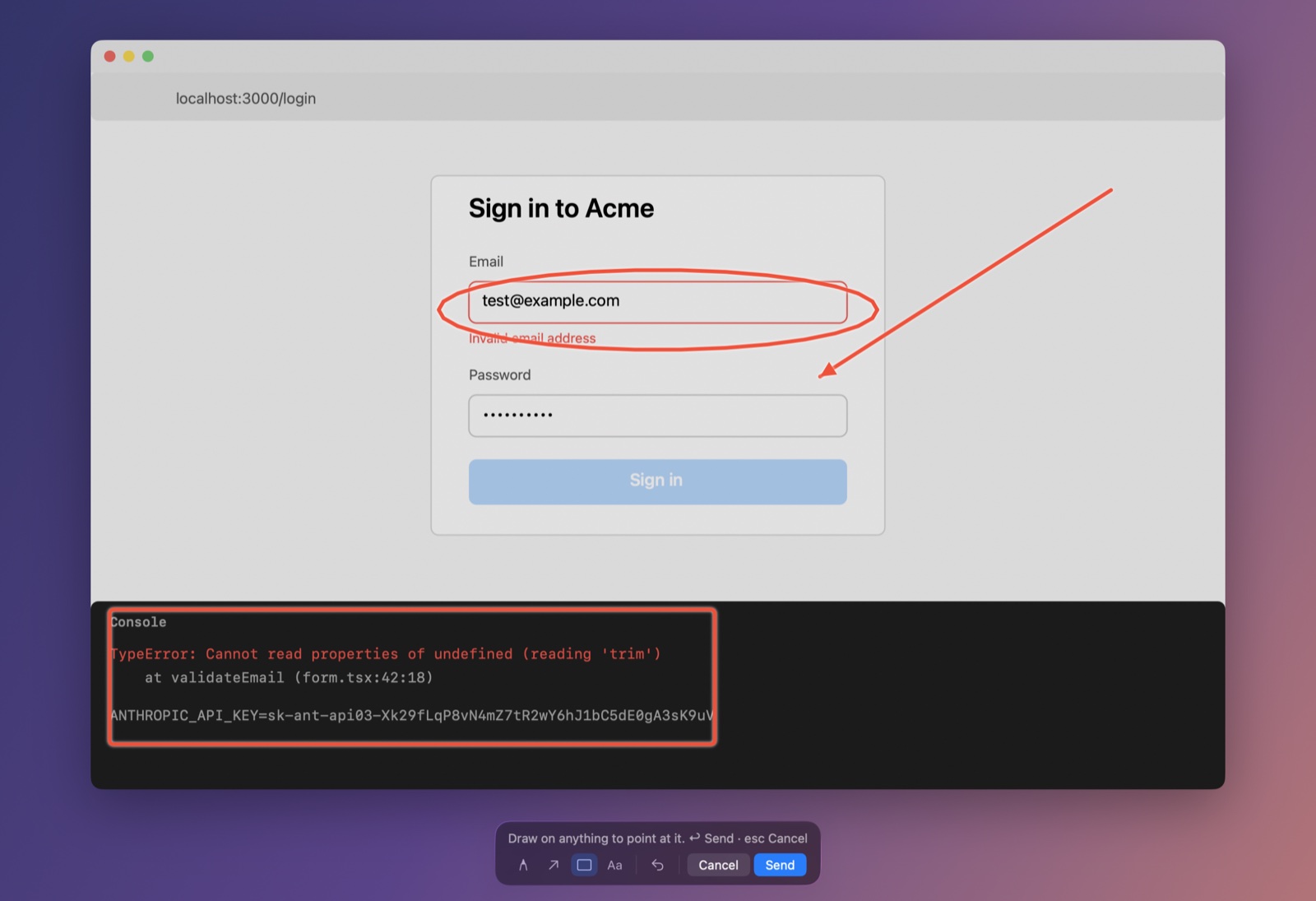
Point & Talk
ProPress ⌃⌘O. The screen freezes and you draw on it while saying what you mean. Peek crops around your marks, tells the AI what each mark covers and what you said while drawing it, and copies the description with the marked-up screenshot. Speech is transcribed on your Mac when possible.
- P circle
- A arrow
- B box
- T note
- ⌘Z undo
- M mute
- Return send
- Esc cancel
Needs Microphone permission for voice.
Scrolling capture
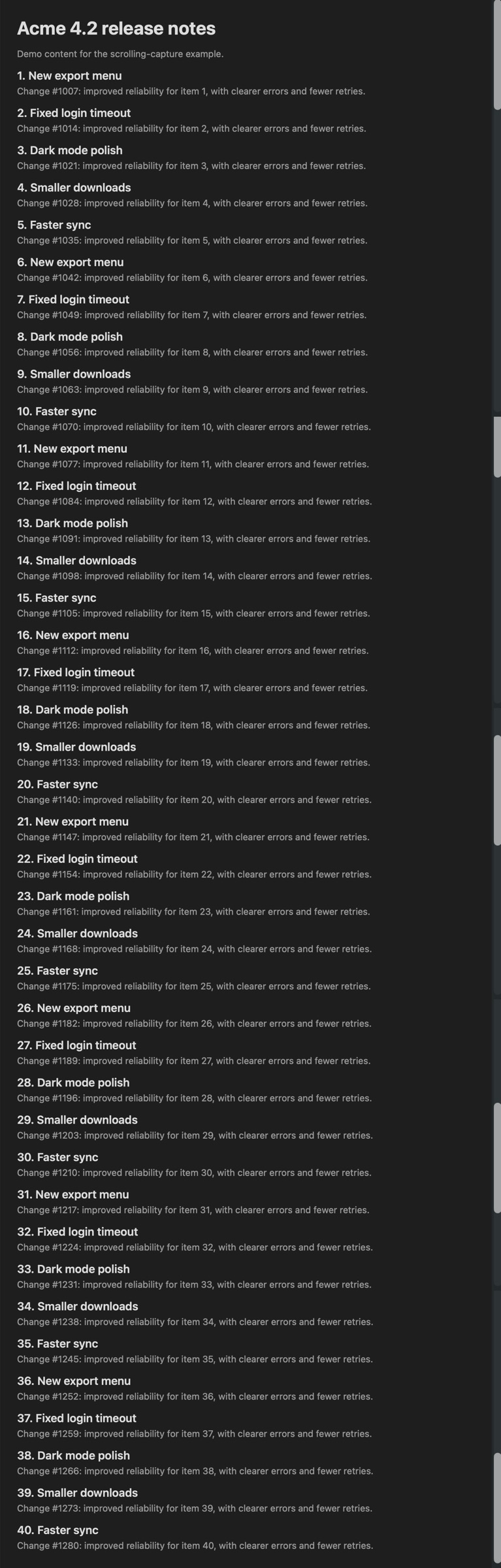
ProMenu › Capture Scrolling Area. Drag over a scrollable area; Peek scrolls it and stitches one tall image, so nothing below the fold gets missed.
Needs Accessibility permission.
Timed capture
ProCaptures every 10 seconds for 5 minutes, or every 30 or 60 seconds, while you reproduce a bug. Timed captures keep on-device text and blurred images, with no AI, up to 200. Agents can start one with start_timed_capture or peek watch start.
Full window text
ProSettings › Privacy › Include the window's full text adds text scrolled out of view, such as terminal scrollback. It's masked like everything else.
Needs Accessibility permission.
tmux panes and servers
ProSettings › Agents › tmux pane pastes each capture into a tmux pane, without pressing Enter. peek last --scp devbox uploads the blurred image to a server and copies the text with the remote path.
What you need
| You need | Details |
|---|---|
| Mac | Apple silicon, macOS 15 or later |
| AI | Your Claude Code login, or your own Claude or Gemini key. No AI subscription from us. |
| Permissions | Screen Recording. Accessibility for scrolling capture and full window text. Microphone for Point & Talk voice. |