Point & Talk
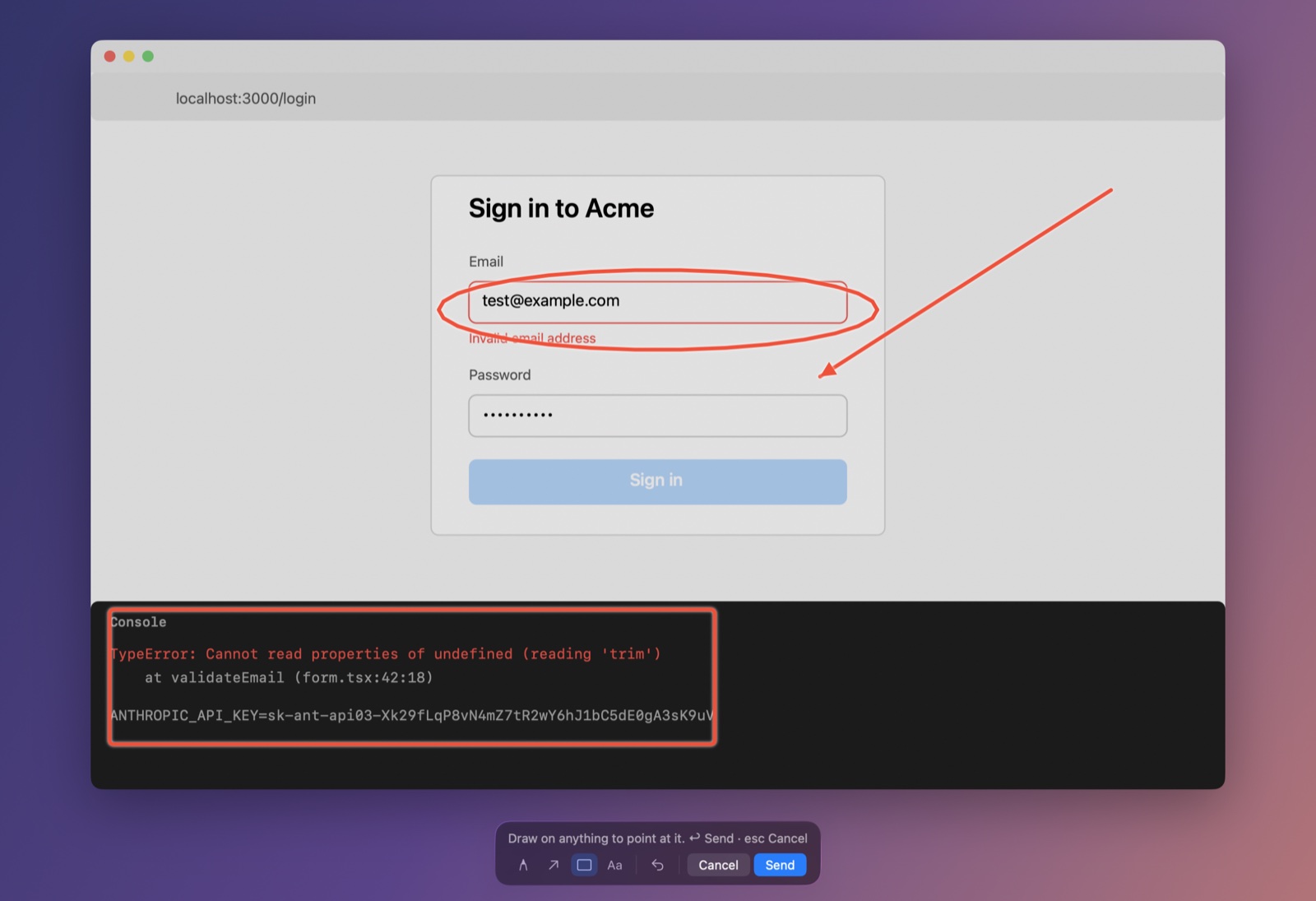
Press ⌃⌘O, circle things and say what's wrong. Peek tells the AI what each mark covers and what you said while drawing it.
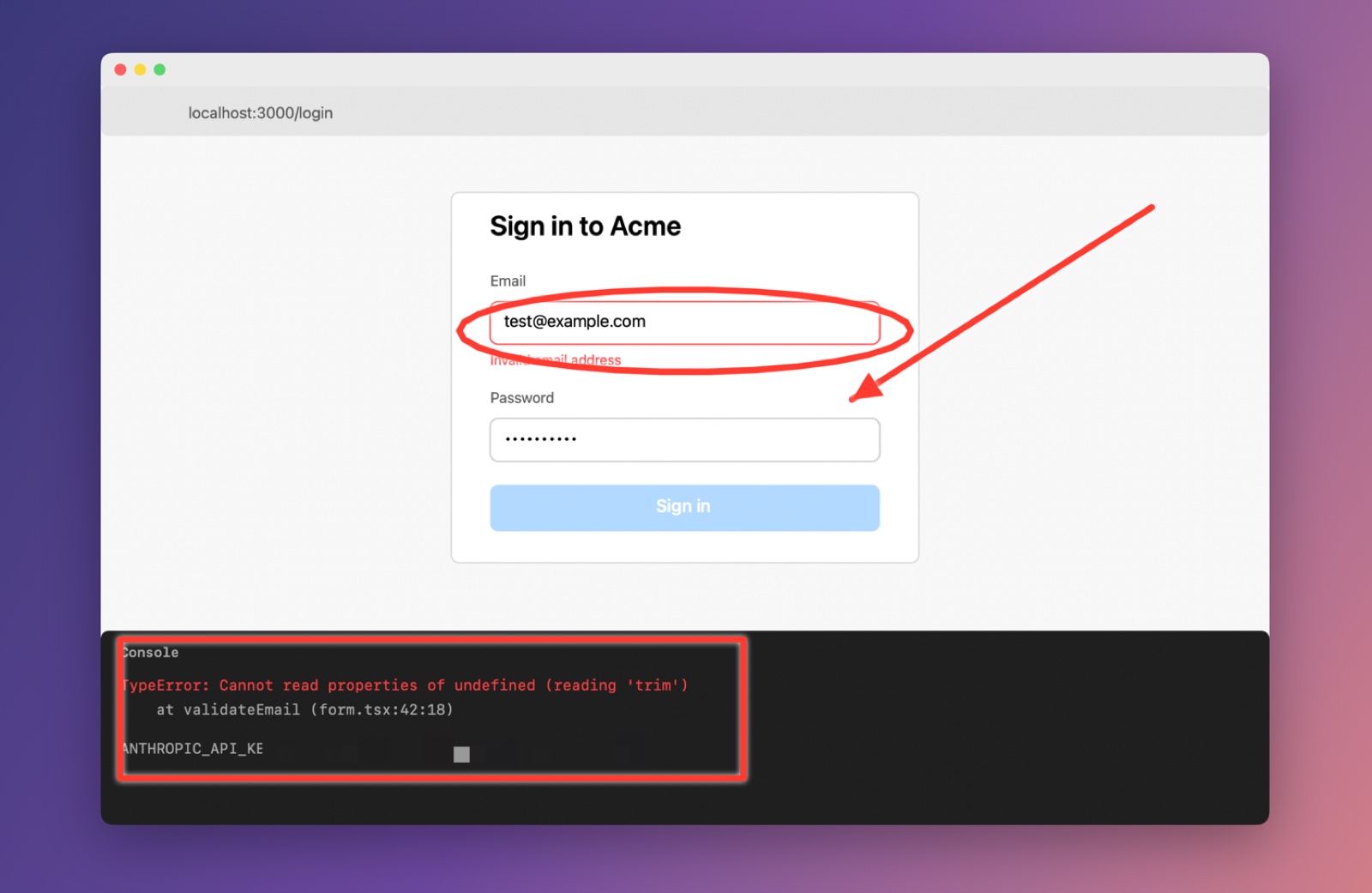
Press ⌃⌘P, drag over anything, paste. Peek removes secrets and writes a description shaped for the AI you use.
 Copied for ChatGPT
The validateEmail function in form.tsx throws because it calls trim on an undefined value. The console line ANTHROPIC_API_KEY=[API key] is masked.
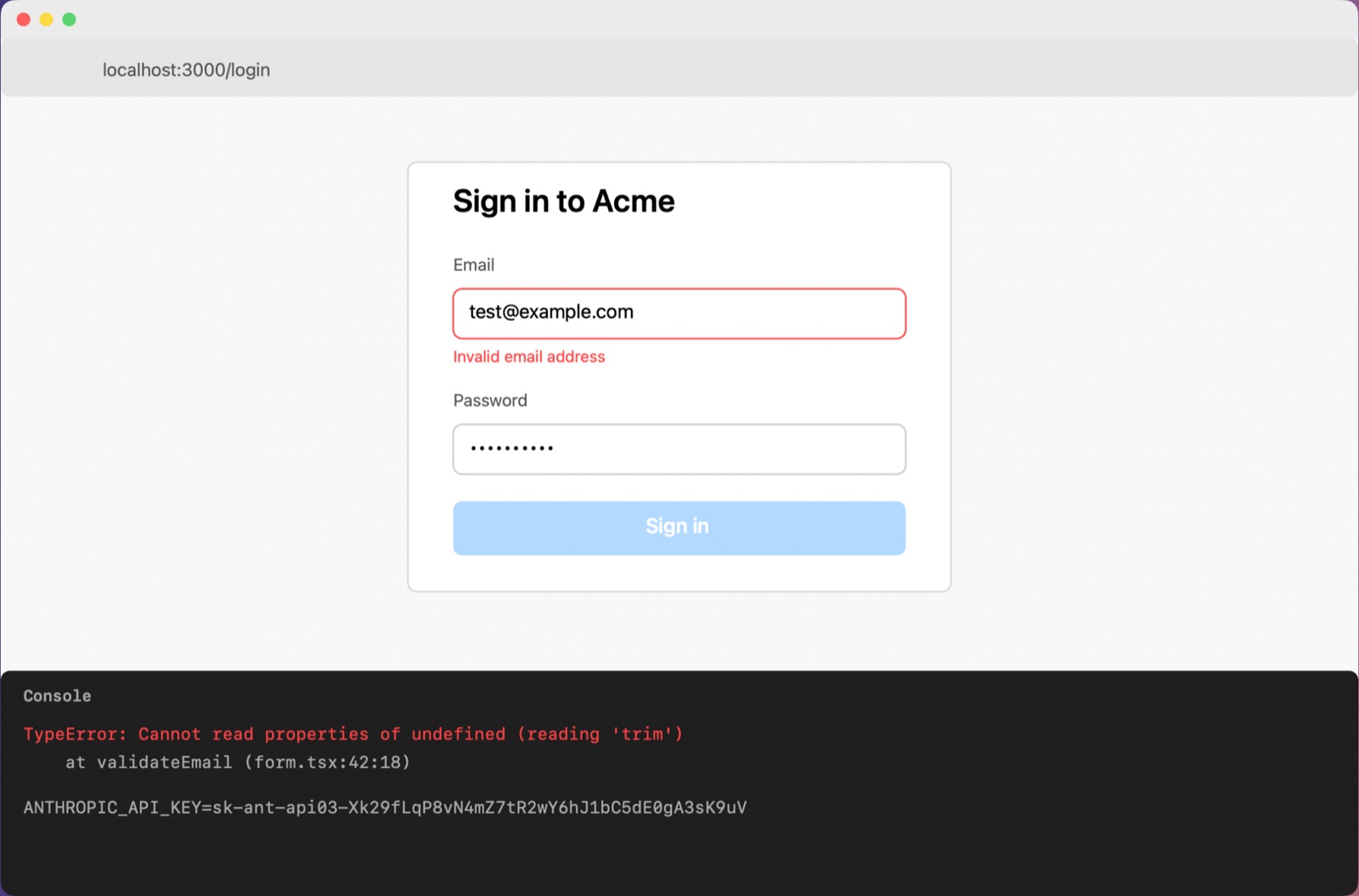
Peek notices whether you're in a chat, an editor or a terminal agent, and formats the description to match. This is its real output for the screenshot above.
Screenshot: Acme login form with email validation error and console TypeError
Where: localhost:3000/login

A sign-in form at localhost:3000/login shows the email field outlined in red with an "Invalid email address" message, and the sign-in button is disabled. A developer console below reports a TypeError inside validateEmail.

What's on screen:
- The email field contains test@example.com and the password field is filled with masked characters.
- The Sign in button appears faded, suggesting it is disabled.
- The console line ANTHROPIC_API_KEY=[API key] is masked and was left as is.

Exact text:
"Invalid email address"
"TypeError: Cannot read properties of undefined (reading 'trim')"
"at validateEmail (form.tsx:42:18)"

What seems wrong: The validateEmail function in form.tsx throws because it calls trim on an undefined value, so the form reports the email as invalid even though a valid-looking address is entered.

Why is my email validation failing with this trim error and how do I fix it?
## Screenshot: Acme login form with email validation error and console TypeError

**Where:** localhost:3000/login
**What's shown:** A sign-in form at localhost:3000/login shows the email field outlined in red with an "Invalid email address" message, and the sign-in button is disabled. A developer console below reports a TypeError inside validateEmail.

**Exact text:**
- `Invalid email address`
- `TypeError: Cannot read properties of undefined (reading 'trim')`
- `at validateEmail (form.tsx:42:18)`

**Observations:**
- The email field contains test@example.com and the password field is filled with masked characters.
- The Sign in button appears faded, suggesting it is disabled.
- The console line ANTHROPIC_API_KEY=[API key] is masked and was left as is.

**Likely issue:** The validateEmail function in form.tsx throws because it calls trim on an undefined value, so the form reports the email as invalid even though a valid-looking address is entered.

**Task:** Why is my email validation failing with this trim error and how do I fix it?
Screenshot: Acme login form with email validation error and console TypeError
Where: localhost:3000/login
Summary: A sign-in form at localhost:3000/login shows the email field outlined in red with an
  "Invalid email address" message, and the sign-in button is disabled. A developer console below
  reports a TypeError inside validateEmail.
Exact text:
  - "Invalid email address"
  - "TypeError: Cannot read properties of undefined (reading 'trim')"
  - "at validateEmail (form.tsx:42:18)"
Observations:
  - The email field contains test@example.com and the password field is filled with masked
    characters.
  - The Sign in button appears faded, suggesting it is disabled.
  - The console line ANTHROPIC_API_KEY=[API key] is masked and was left as is.
Likely issue: The validateEmail function in form.tsx throws because it calls trim on an undefined
  value, so the form reports the email as invalid even though a valid-looking address is entered.
Task: Why is my email validation failing with this trim error and how do I fix it?
Acme login form with email validation error and console TypeError - localhost:3000/login A sign-in form at localhost:3000/login shows the email field outlined in red with an "Invalid email address" message, and the sign-in button is disabled. A developer console below reports a TypeError inside validateEmail. - The email field contains test@example.com and the password field is filled with masked characters. - The Sign in button appears faded, suggesting it is disabled. - The console line ANTHROPIC_API_KEY=[API key] is masked and was left as is. Text on screen: "Invalid email address" "TypeError: Cannot read properties of undefined (reading 'trim')" "at validateEmail (form.tsx:42:18)" Possible issue: The validateEmail function in form.tsx throws because it calls trim on an undefined value, so the form reports the email as invalid even though a valid-looking address is entered.
Chat apps like ChatGPT, Claude and Gemini get plain, readable prose with a question to start from.
AI editors like Cursor get Markdown with the exact error text in code spans.
Terminal agents like Claude Code and Codex get compact text, plus the project and git branch they're working in.
The screenshot itself comes along too, with secrets already blurred.
Text is read on your Mac. API keys, tokens, passwords, card numbers and emails are masked in the text and blurred in the image. Only then does the capture go to the AI you chose. Nothing goes to us.
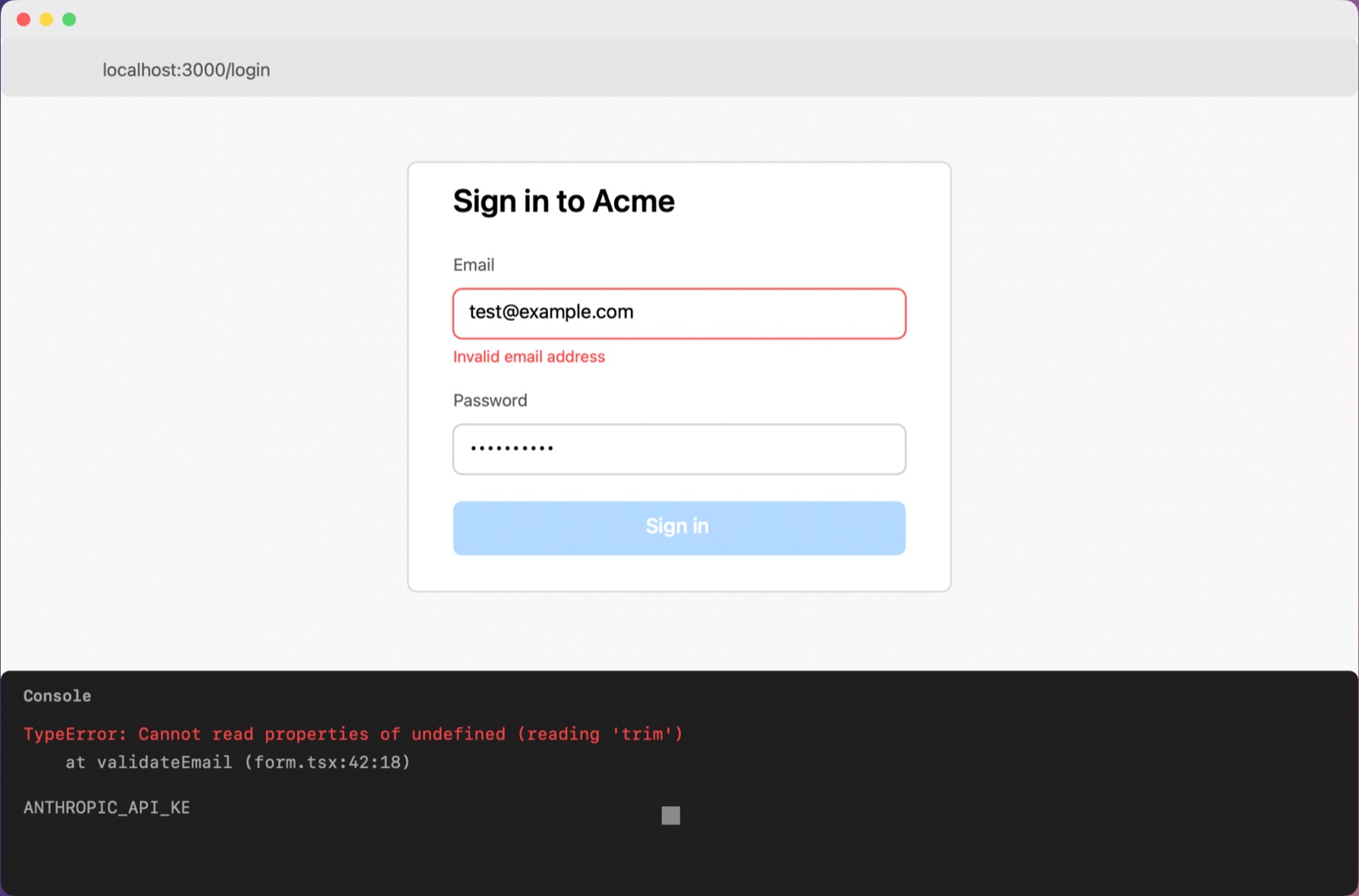
The key in this demo is fake. Read exactly what Peek keeps and sends in the privacy details.
Point at what matters, capture a whole page, or let your coding agent look for itself.
Press ⌃⌘O, circle things and say what's wrong. Peek tells the AI what each mark covers and what you said while drawing it.
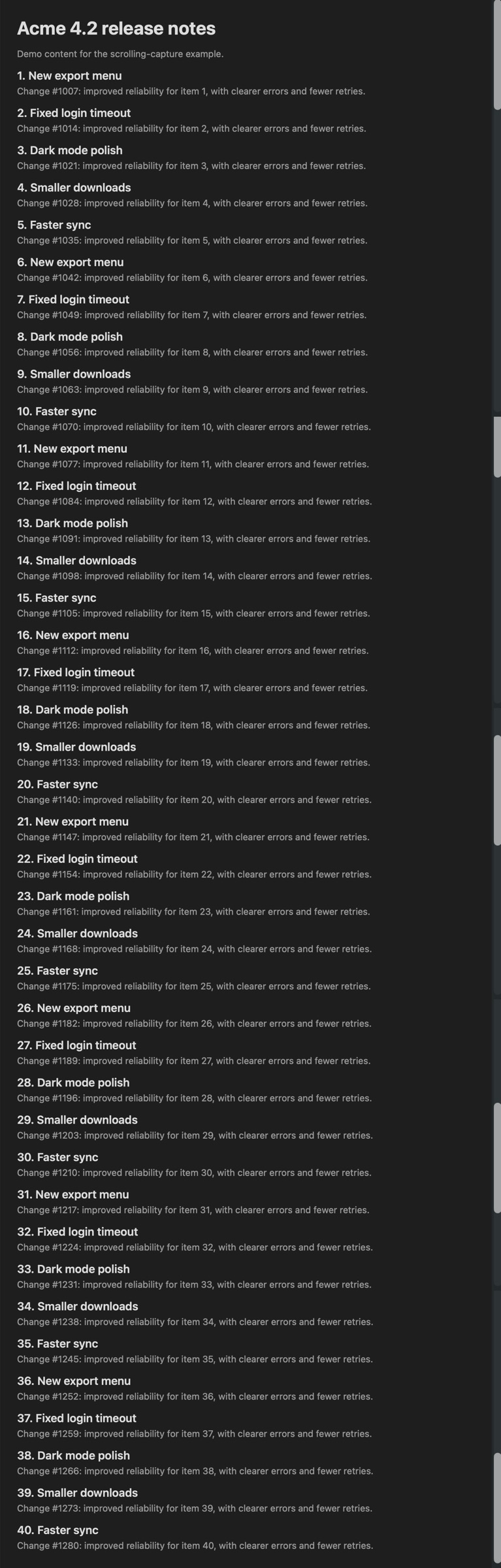
Drag over a long page. Peek scrolls it for you and stitches one tall image, so nothing below the fold gets missed.
An MCP server and a peek command for Claude Code, Codex and Cursor. Your agent can even ask you to point at something.
# connect your agents once
peek setup
# latest capture, ready for a terminal
peek last
# let the user drag over the area
peek select --focus "the failing test"
Capture every 10 seconds while you reproduce a bug, or include the terminal scrollback that's out of view.
Every Pro feature is free for 14 days. After that, Peek keeps working on the Free plan.
Everything you need for everyday captures.
peek last and MCPOne-time purchase. A year of updates. Works on 3 Macs.
The AI runs on your own Claude Code login or API key, so there's no AI subscription from us. Refunds within 14 days, see the refund policy.

For Macs with Apple silicon on macOS 15 Sequoia or later.